



The National Park Service offers a range of publications, case studies, tool kits, and annual reports to help partners and communities best achieve their conservation and outdoor recreation project goals. The publications available have been written by our NPS staff or developed in collaboration with national and local partners.
Browse the NPS-RTCA document archive here.
Resources
-
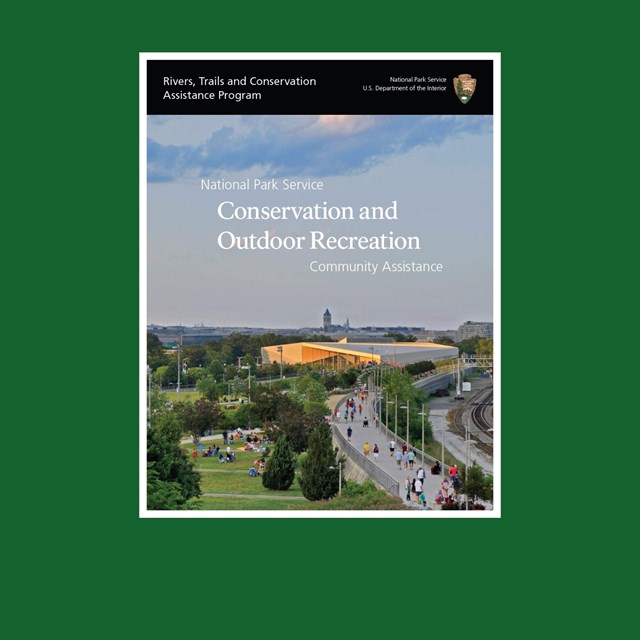 NPS-RTCA Publication
An in-depth publication highlighting how NPS-RTCA works with communities on conservation and outdoor recreation projects.
-
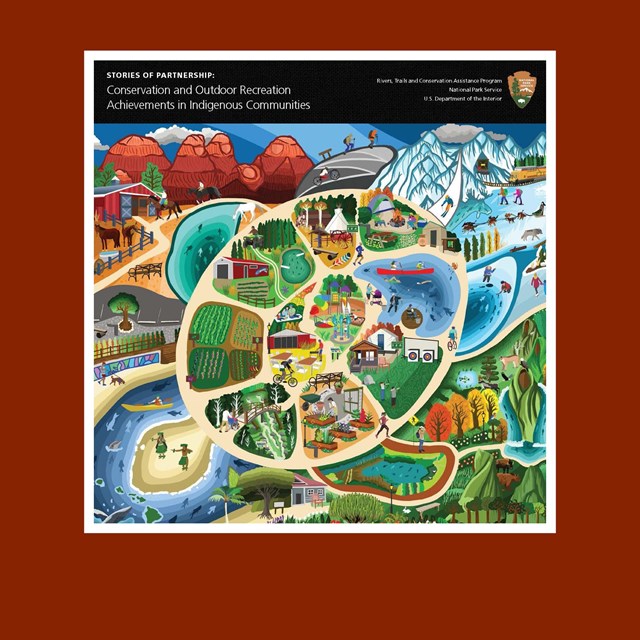 Publication: Indigenous Communities
Stories of Partnership: Conservation and Outdoor Recreation Achievements in Indigenous Communities
-
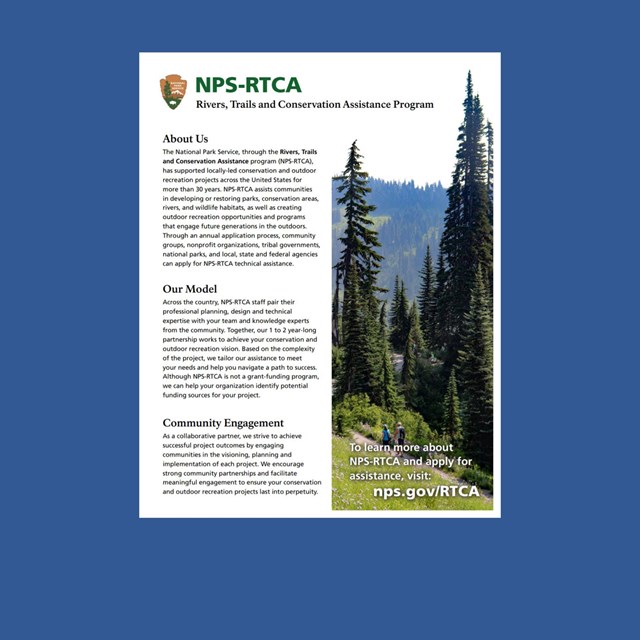 NPS-RTCA Summary
A document summarizing the work of NPS-RTCA, including service areas and frequently asked questions.
-
 River Town Review Toolkit
Assess your river town’s outdoor recreation resources and develop recommendations to enhance those resources.
-
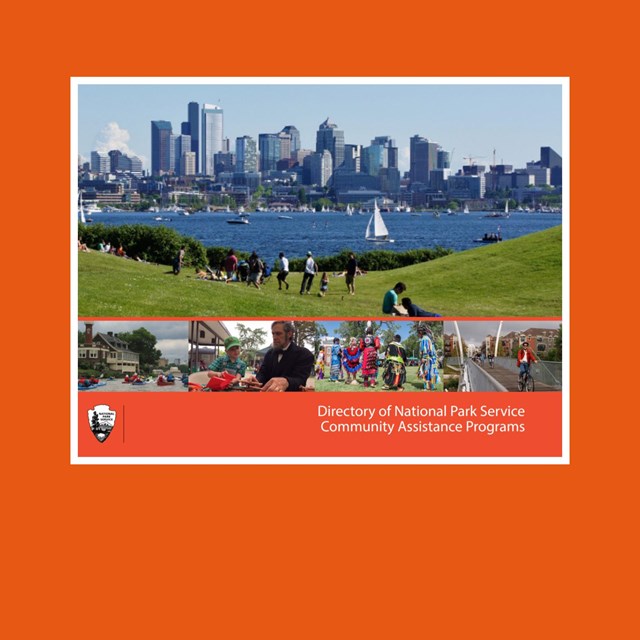 Community Assistance Directory
A directory of National Park Service community assistance programs.
-
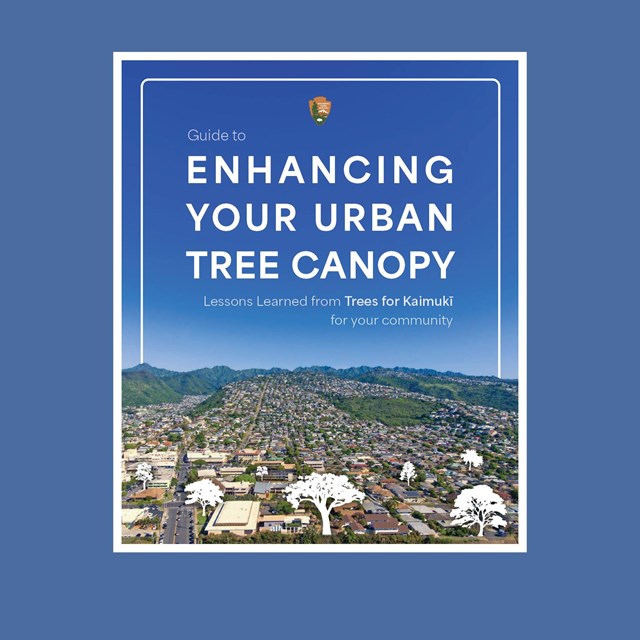 Enhancing Your Urban Tree Canopy
Lessons learned from "Trees for Kaimukī" for your community.
-
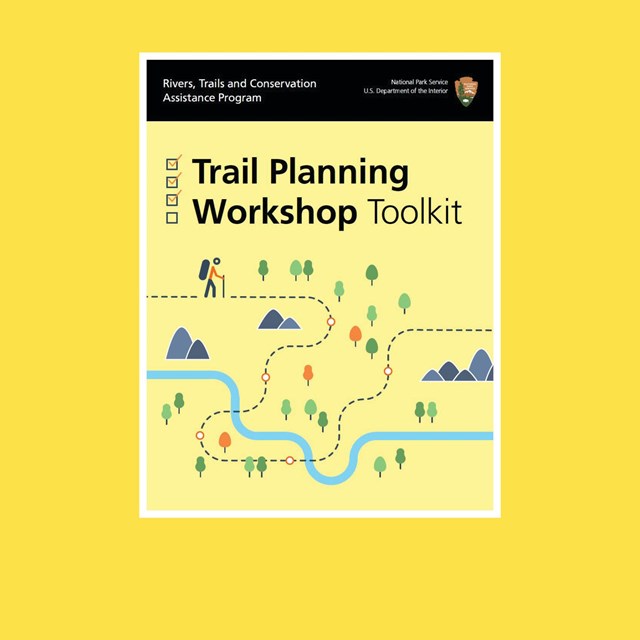 Trail Planning Workshop Toolkit
A step-by-step guide for communities, partners and local jurisdictions to use in developing and implementing a trail planning workshop.
-
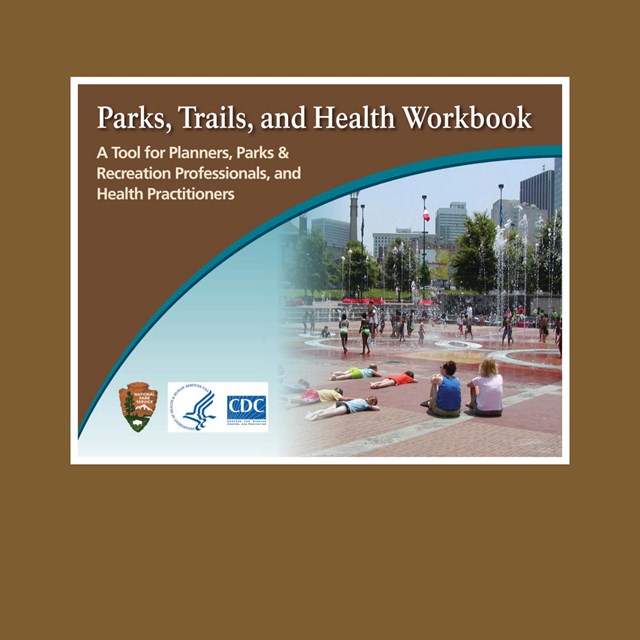 Parks, Trails, and Health Workbook
A tool for incorporating public health considerations in the development of a park or trail.
-
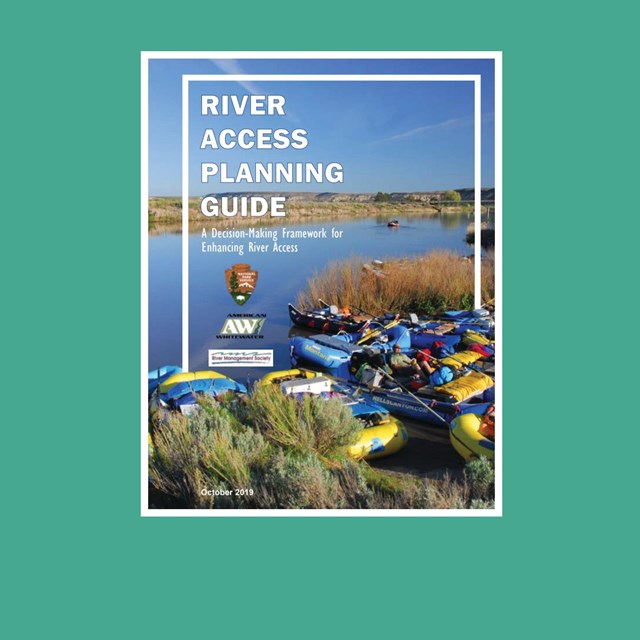 River Access Planning Guide
A decision-making framework for enhancing river access.
Featured Publications
Parks
-
 Cameron Parish, LA: Revisioning Project
After the hurricanes of 2020, NPS-RTCA developed outdoor recreation and nature-based tourism recommendations, in collaboration with FEMA.
-
 North Lake Charles
Connecting communities to nature and creating access to affordable and healthy foods in North Lake Charles, LA.
-
 DeRidder, LA: West Park Master Plan
Restoring and improving West Park in DeRidder, LA after the hurricanes of 2020.
-
 Bayou Greenbelt Master Plan
A bold vision to connect waterways, boost recreation, and enhance quality of life in Southwest Louisiana.
-
 Calcasieu Parish Facilities Inventory
A post-hurricane effort to create a unified, online guide to all park facilities across Calcasieu Parish for easy public access.
-
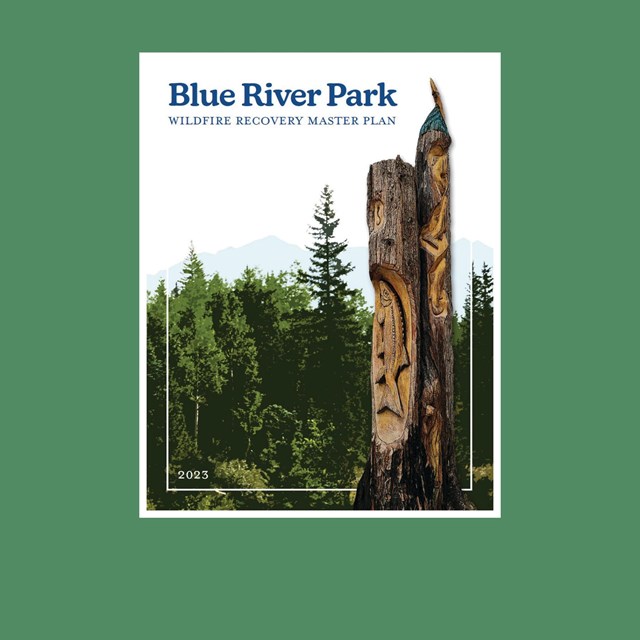 Blue River Park: Wildfire Recovery Plan
Collaborating with the McKenzie Valley community and FEMA to restore Blue River Community Park after recent wildfires.
-
 Conserva Culebra
Conservation, Outdoor Recreation, and Natural Disaster Resiliency Strategies for the Island of Culebra
-
 Ciales Greenway
Ciales is transforming into a vibrant mountain destination—uniting outdoor adventure, resilience, and cultural pride in Puerto Rico.
-
Parks, Trails, and Health Workbook
A tool for incorporating public health considerations in the development of a park or trail.
-
 Old Camp Historic Park Concept Plan
This conceptual plan presents the Burns Paiute Tribe’s vision for the development of its Old Camp Historic Park.
-
 Glide Gateway and North Umpqua Corridor
Outdoor Recreation Conceptual Framework for Priority Projects
Rivers
-
River Town Review Toolkit
Assess your river town’s outdoor recreation resources and develop recommendations to enhance those resources.
-
River Access Planning Guide
A decision-making framework for enhancing river access.
-
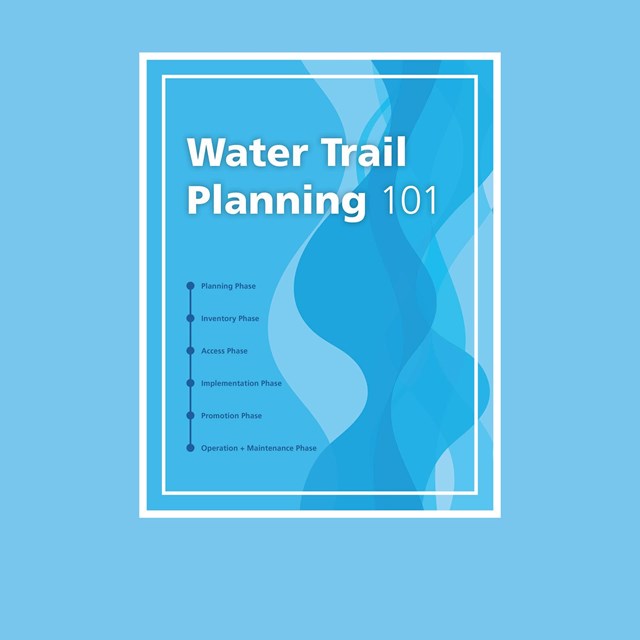 Water Trail Planning 101
A step-by-step overview outlining the process of developing water trails.
Trails
-
Trail Planning Workshop Toolkit
A step-by-step guide for communities, partners and local jurisdictions to use in developing and implementing a trail planning workshop.
-
Parks, Trails, and Health Workbook
A tool for incorporating public health considerations in the development of a park or trail.
-
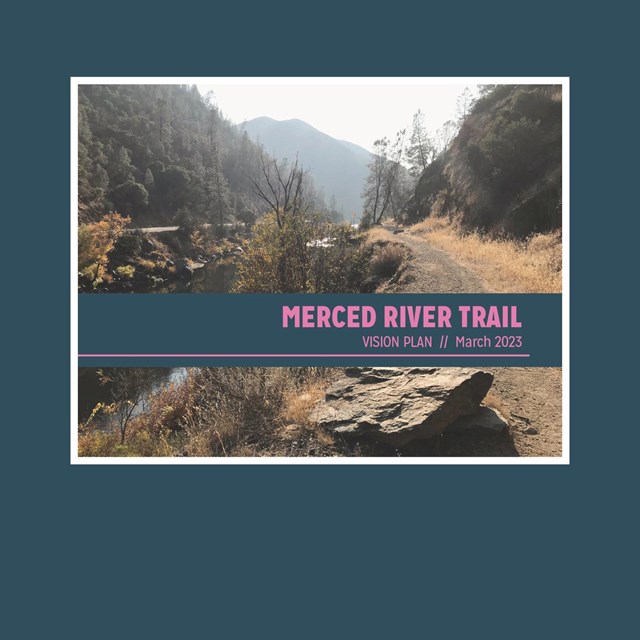 Merced River Trail Vision Plan
NPS-RTCA facilitated engagement of partners, land managers, and stakeholders to support collaboration in the development of this trail plan.
Last updated: January 20, 2026