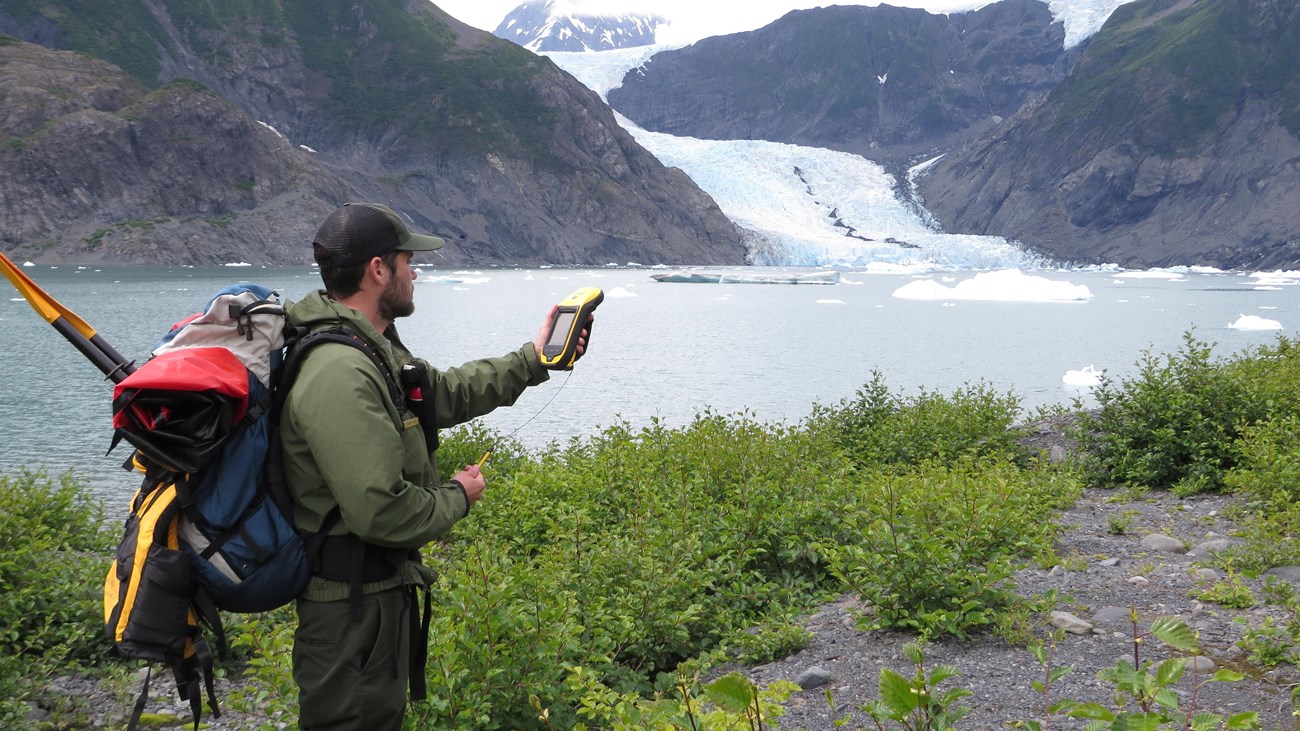
Not to be left out of this great synergy amongst Fellow GPS users, I have processed a Trimble Data dictionary equivalent to FirePak. This was modeled after the ArcPad Applet and Greg's code. The attached Trimble Data Dictionary file (and export ASCII) will enable a Geo2, Pocket, Geo3, ProXR, Geo3CE running Geo3/AssetSurveyor/TerraSync to map fire perimeters once the data dictionary is loaded into a Trimble reciever. Geo3CE folks can utilize the pen-based digitized method as well. Notes on Use: 1) Requires Pathfinder Office to Transfer to GPS reciever. 2) Joel created in 30 minutes using Pathfinder Office 2.9 Data Dictionary Editor. 3) Pathfinder Office does not support nested menu logic ( for example, If GPS, then what Scale). We therefore used the threw in all options for those attributes that switch over when using GPS or digitizing. Entering nothing for MapSource when using GPS is the equivalent of a N/A We kept to the same structure with other FirePak applets in order to assist in Direct import into GeoMac. Two fields, Acres and Perim_miles cannot be written out until export and will be called "GPS_Area" and GPS_perime" in Trimble parlance. Select "Area 2D" and "Perimeter 2D" in the export settings tab. Other fields such as Method, Date Collected, Time Collected, Differential, can be autoexported, but were included in the data dictionary for consistency and proper field ordering. NOTE: Projection, Datum are not required, since Trimble collected GPS data is projectionless and independent of raster backdrop. One can alter projection in Pathfinder Office to desired parameters, but again, these were kept in for GeoMac consistency. **I Also included a Point Generic, Line Generic and Poly Generic features for Geo3 users. Use these features to store ancillary features during collection. PS: great deals on a handheld GeoExplorer 3 (Under $2800) right now. Yep, no moving raster backdrop, but a killer soup2nuts package with the following standard options: Full data dictionary editing capabilities 16 hour battery life (continuos use). Enough memory for days worth of fire perimeter mapping Pause button. Continue function. Offsets. Segment Control. Easy to use keyboard and non-stylus approach - Have you lost your stylus today? GPS quality filter control (From PDOP of 99 to 1!) Import of GIS shapes for background display Capability of 2 meter mapping given good conditions ****************************************************** Joel Cusick GIS Specialist/ GIS Team/ Alaska Support Office National Park Service 2525 Gambell St. Anchorage, AK 99503 joel_cusick@nps.gov (907) 257-2530 FAX: (907) 264-5428 Latitude: 61 11 48.98 Longitude: -149 52 11.25 (NAD83) ******************************************************