

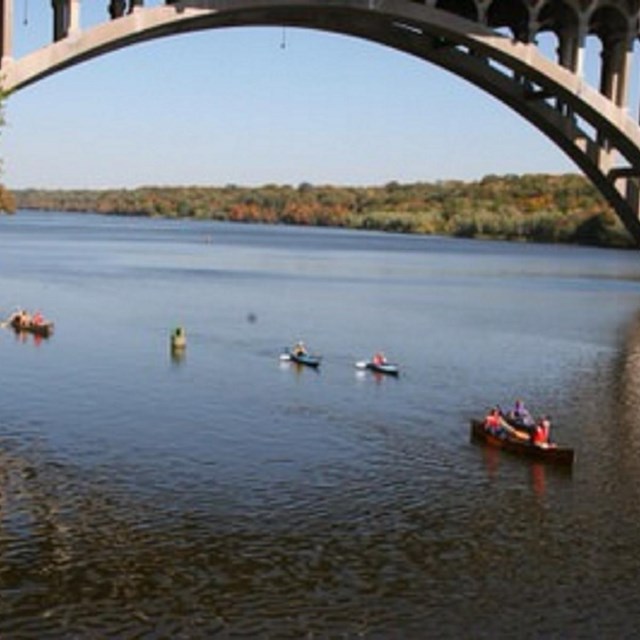
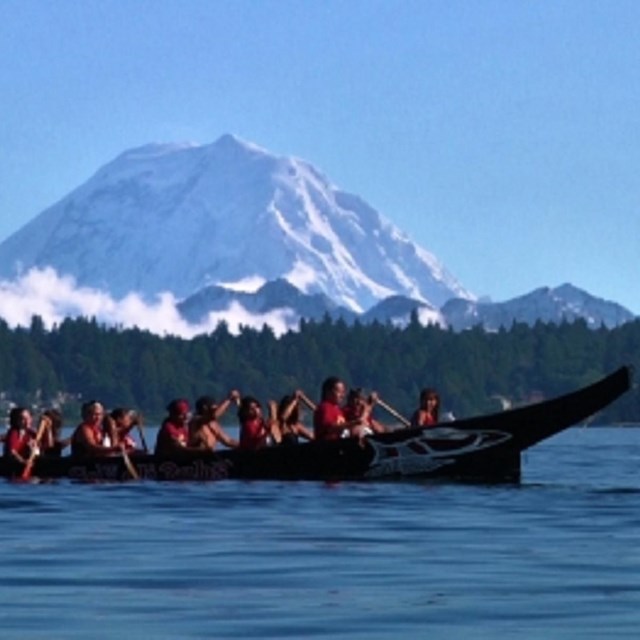
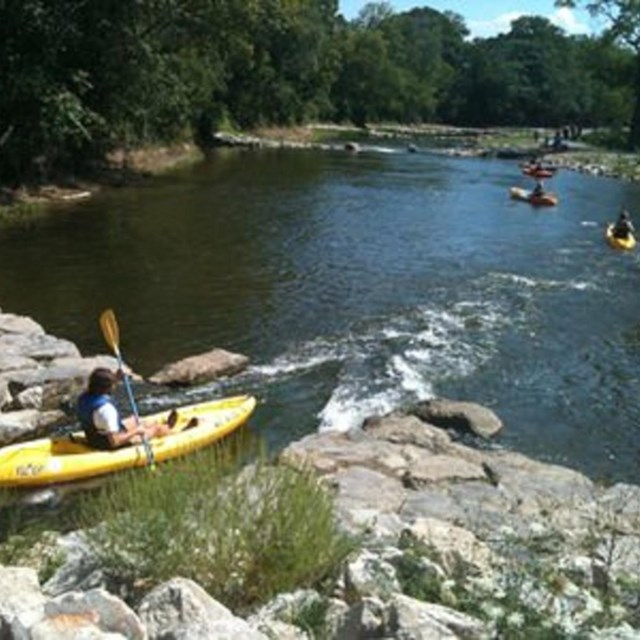
About the Program:The National Water Trails System is a network of water trails open to the public to explore and enjoy. The system also serves as a community of water resource managers that benefit from information sharing and collaboration. National Water Trails are a sub-set of the National Recreation Trails Program. National Water Trails have been established to protect and restore America’s rivers, shorelines, and waterways; conserve natural areas along waterways; and increase access to outdoor recreation on shorelines and waterways. The Trails are a distinctive national network of exemplary water trails that are cooperatively supported and sustained. Explore More
Best Management Practices
|
Last updated: December 5, 2022